Story Viewer
Watch Public Stories Online
Want to check a public TikTok Story without opening the app or navigating through multiple screens? StikVid’s TikTok Story Viewer makes it easy to search for available Stories using a TikTok username or public profile link. This online TikTok Story Viewer helps you find supported public content directly in your browser, whether you’re using a phone, tablet, or computer. Enter a username, search for available Stories, and view the content that can currently be retrieved. No separate application is required to get started.
“IF THE DOWNLOAD BUTTON DOESNT WORK CLICK THE TIKTOK BUTTON IT WILL REDIRECT TO TIKTOK WHERE YOU CAN DOWNLOAD THE VIDEO EASILY “.
 StikVid
ⓘSearch a public TikTok username or profile URL to view available public profile information, recent videos and active Stories.
Latest Videos
No public videos were returned.
Reposts
No public reposts were returned, or this section is unavailable for this account.
Unlock more on StikVid
Your content will load after the ad provider confirms completion.
The StikVid TikTok Story Viewer helps you search for currently available public Stories using a TikTok username or supported profile link.
Enter TikTok username or profile link
View Story
Public profiles and currently available Story content only.
Explore More TikTok Tools
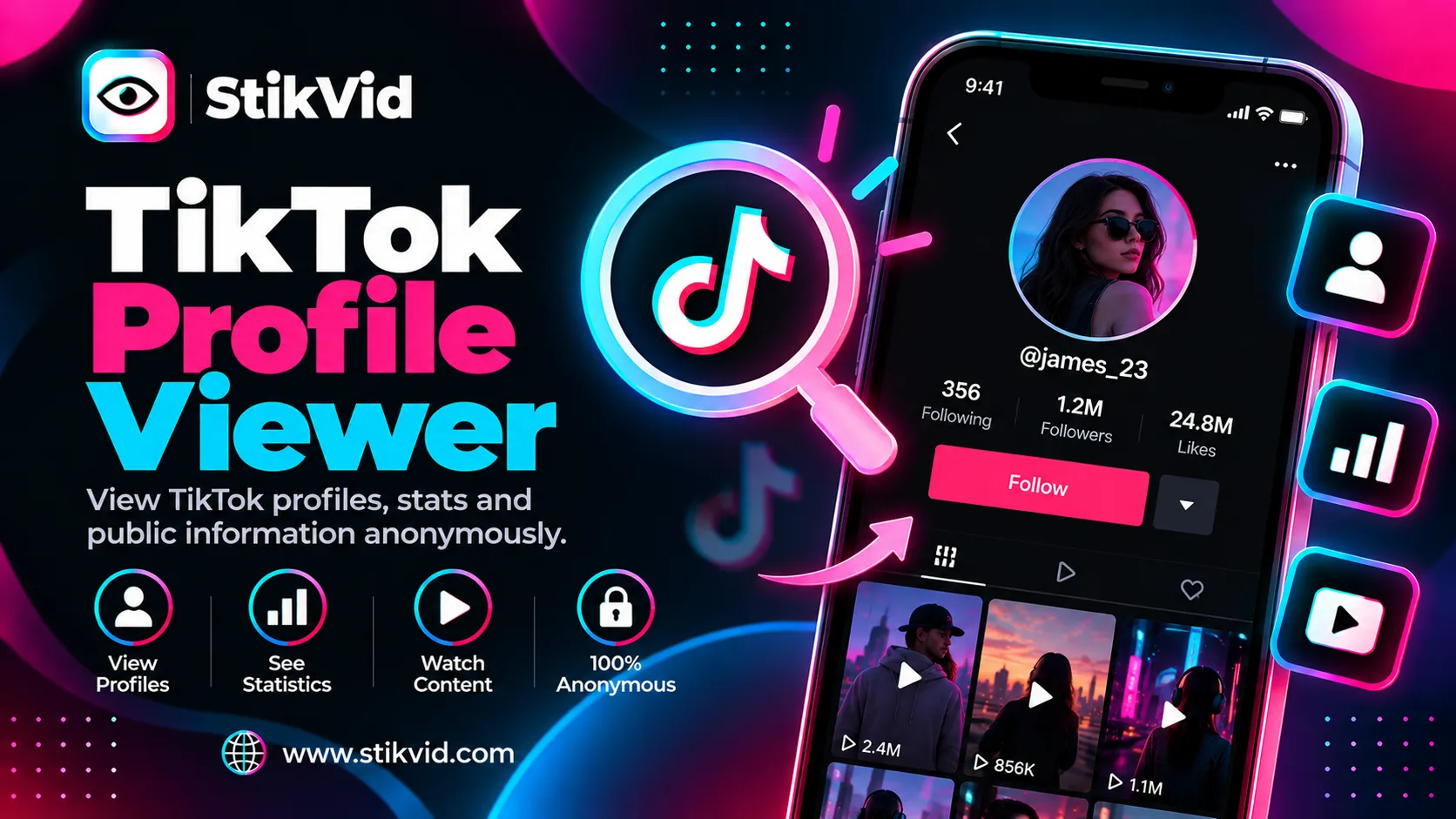
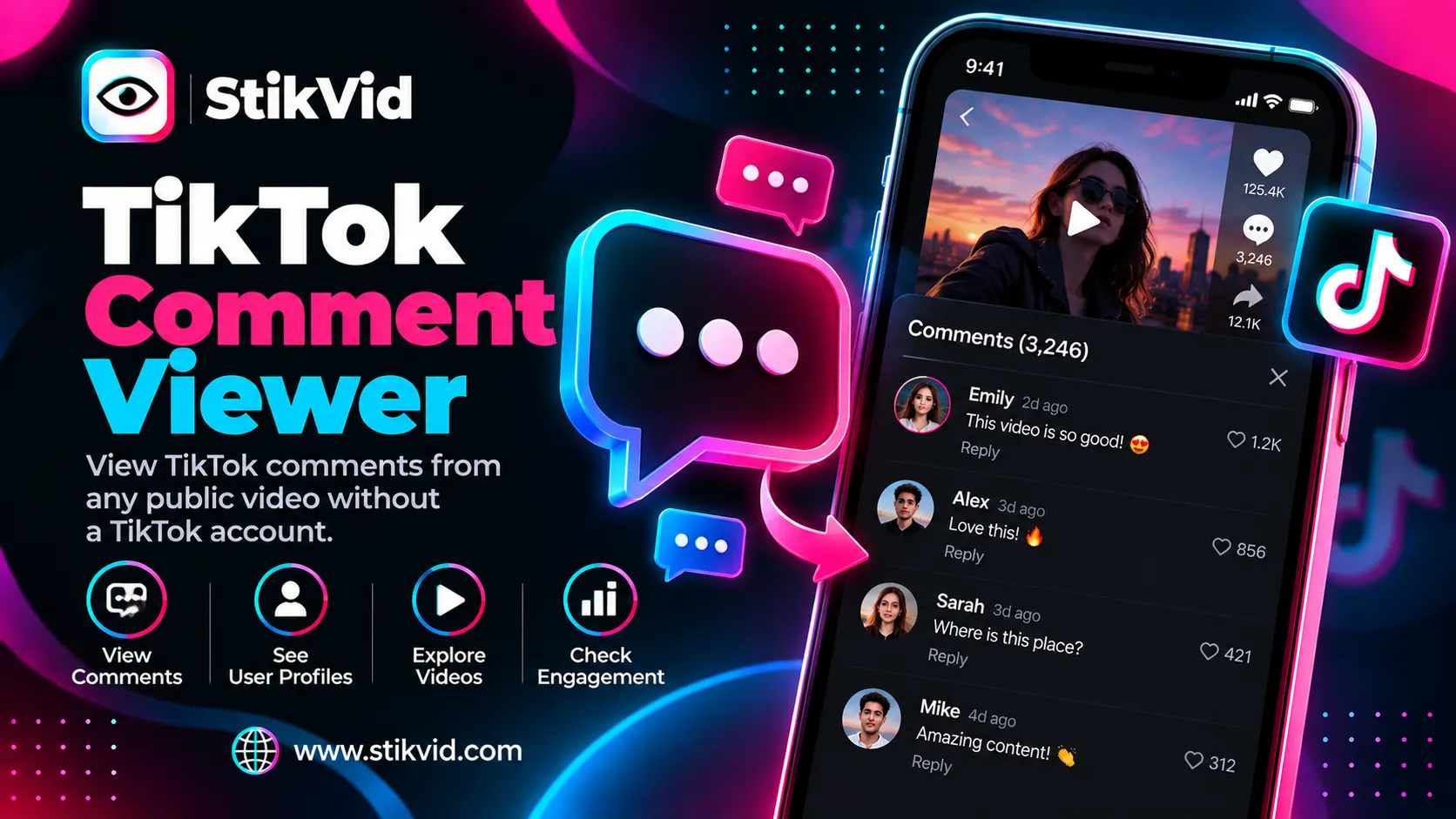
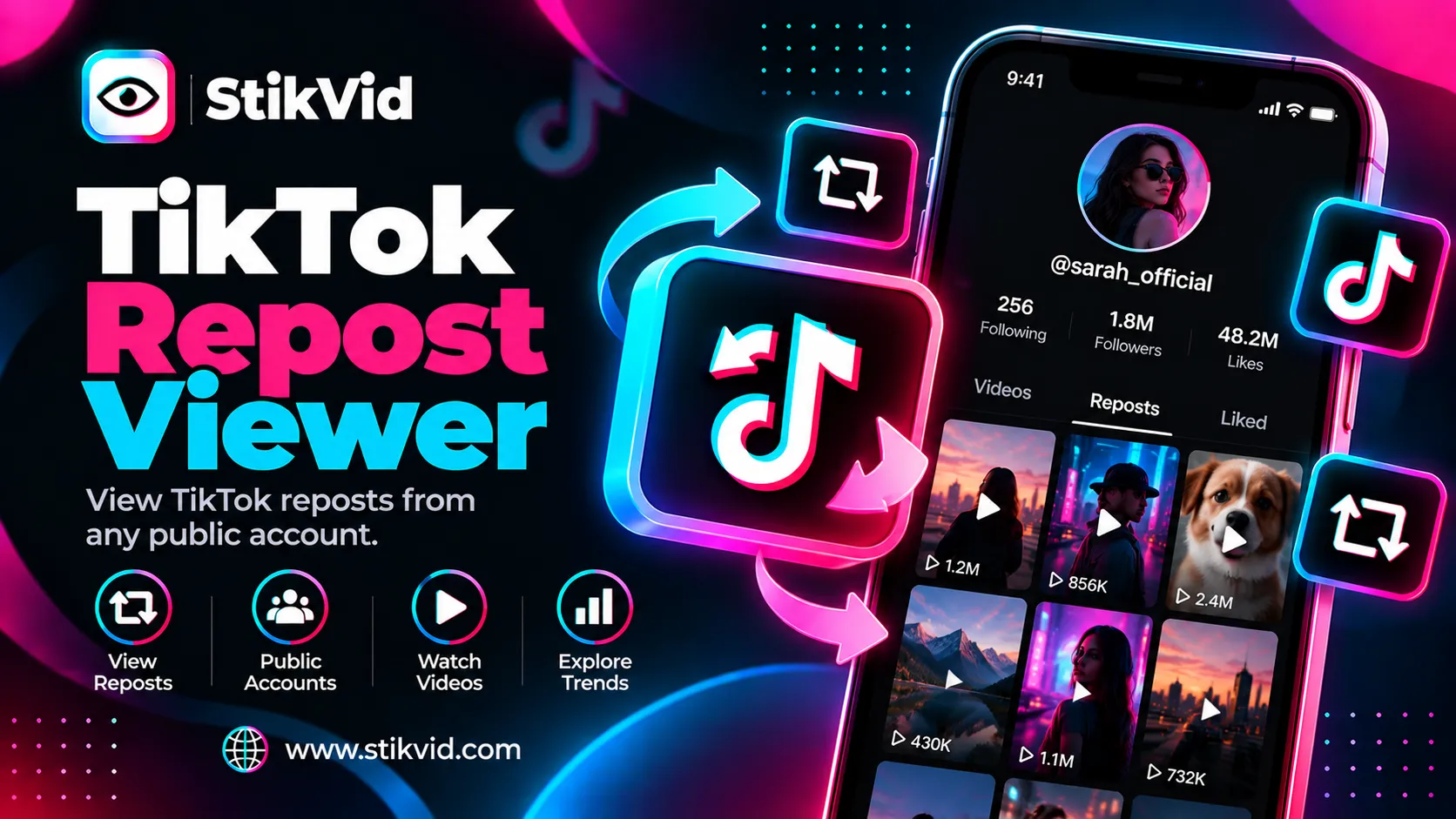
Discover more helpful TikTok tools from StikVid. Explore public profiles, find usernames, check comments, and learn more about TikTok Stories with our simple, browser-based tools. Want to explore the discussion around a TikTok post? Use our TikTok Comment Viewer to check comments where the tool supports access.


TikTok Story Viewer
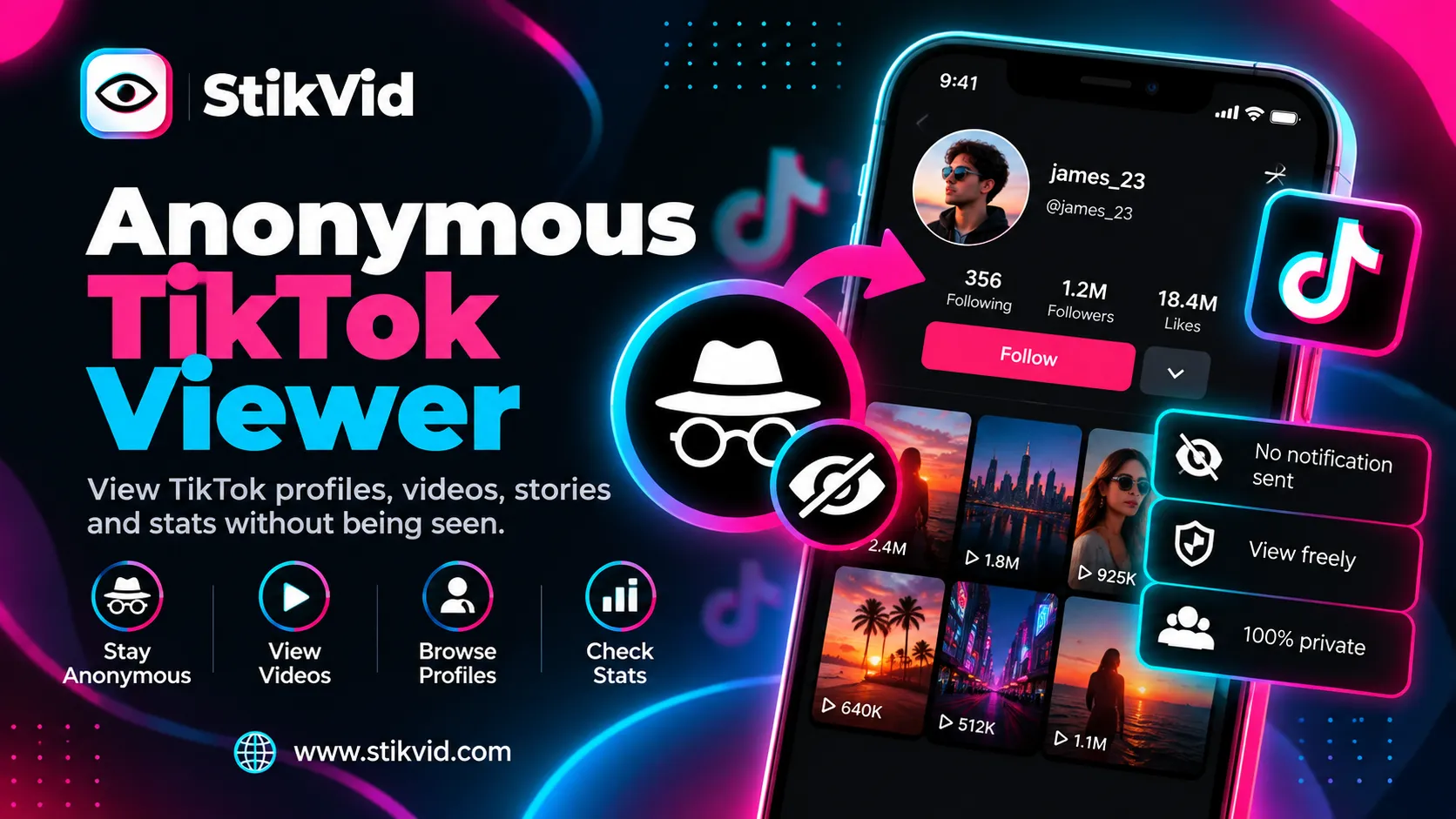
StikVid is a simple online tool for finding and viewing publicly available TikTok Stories. Enter a username or supported profile link, and the viewer checks for Story content that is currently available from that public profile.
The goal is simple: search, find, and view without unnecessary navigation. You can use the viewer from a modern browser on your phone, tablet, or computer.
A Story may not appear every time you search. TikTok Stories are temporary, profiles can be private, and public content can become unavailable. When a Story is available to the viewer, you can open it directly through the browser.
In short: Search a public TikTok profile to find currently available Story content in a simple browser-based viewer.
A simple way to watch public stories
The TikTok Story Viewer on StikVid makes it easy to search for publicly available TikTok Stories. Enter a username or supported profile link to find available content through this browser-based TikTok Story Viewer, without unnecessary navigation or installing another application.
No App Required
Use the tool directly from a modern browser — nothing to install.
Simple Username Search
Enter a username or public profile URL — that’s the only input needed.
Mobile Friendly
Use the viewer from phones, tablets, or desktop browsers.
Anonymous Browsing
Browse public TikTok stories without using the TikTok app.
View TikTok Stories Anonymously
The TikTok Story Viewer from StikVid offers a separate way to search for publicly available Stories without opening them through your personal TikTok account. Use this TikTok Story Viewer online to check available Story content through your browser. However, this method does not guarantee complete anonymity or provide access to private profiles.
This can be useful when you want to check a public Story without following the account, opening the Story through your own TikTok session, or creating another account just to browse public content.
Anonymous viewing should be understood accurately. It means the viewing process is separated from your normal TikTok account experience; it does not mean that you become completely anonymous across the internet. Your browser, network connection, device, and other online activity are separate matters.
StikVid also does not bypass private profiles or restricted content. If a Story is only available to an authorized audience, a public-content viewer cannot legitimately unlock it.
In short: View public Stories through a separate browser experience without treating the viewer as a tool for bypassing privacy controls or providing complete internet anonymity.
How to View a TikTok Story?
Using the TikTok Story Viewer on StikVid takes just a few steps. Enter a public TikTok username or supported profile link, search for available Stories, and open the content that the TikTok Story Viewer can retrieve. The process works through your browser on supported devices.
Type the public username you want to check into the search box. Make sure the spelling is correct because even one missing or incorrect character can lead to a different profile or no result. If you also want to explore publicly available account information, try our TikTok Profile Viewer to examine supported profile details.
Using the viewer is straightforward.
Enter a TikTok username
You can enter the username in the format supported by the viewer, such as the account name or an @username.
Use a profile link
If you already have the person’s public TikTok profile URL, you can paste the supported profile link into the search field instead of typing the username manually.
Search for available Stories
Select View Story to search for currently available public Story content associated with the profile.
Open the available Story
If a public Story is found, select it to view the available content in your browser.
Save supported content
If a download option is available for the retrieved media, you can use the provided option to save the supported file to your device. If your goal is to save supported Story media, visit our TikTok Story Downloader for the available downloading options.
In short: Enter a public username or supported profile link, search for active Story content, and open what is currently available.
TikTok Story Viewer Without Login
The TikTok Story Viewer without login on StikVid lets you search for publicly available Stories directly through your browser. This TikTok Story Viewer does not require a separate StikVid account simply to check whether a public profile has available Story content. Private profiles and restricted Stories remain inaccessible.
The tool is designed to make public-content discovery quick without requiring unnecessary registration steps. This is especially useful when you only want to check whether a profile currently has a Story available.
There is an important difference between viewing public content without logging in and accessing private content. Not requiring a login does not mean the viewer can access private profiles, restricted Stories, or content protected by TikTok’s privacy settings.
If a profile is private or its Story is unavailable publicly, the viewer will not provide a legitimate way around that restriction.
In short: The viewer is designed for public Story discovery without an unnecessary account or login, while private and restricted content remains protected.
Can You View TikTok Stories Without Someone Knowing?
This is one of the most common reasons people look for an anonymous Story viewer.
When you view a Story directly through TikTok while signed in, the viewing experience can be connected with your TikTok account according to TikTok’s own features and policies. A third-party public-content viewer provides a different way to retrieve publicly available content.
That distinction is important when you want to browse public Stories without directly interacting with the profile through your own TikTok session.
For information about TikTok’s own features and account experience, consult the official TikTok Help Center.
Does TikTok show who viewed a Story?
TikTok’s own Story experience can provide creators with information about Story viewers. The exact behavior and visibility of platform features can change over time, so users should distinguish between viewing a Story directly through TikTok and accessing publicly available content through an independent viewer.
Can you look at someone’s TikTok Story without them knowing?
A third-party viewer can provide a way to access available public Story content without opening the Story through your personal TikTok account. However, this should not be interpreted as a guarantee of complete anonymity across TikTok or the internet.
Can people see if you replay a TikTok Story?
Questions about replaying, viewing, and Story-view visibility relate to TikTok’s own platform behavior. If you want to avoid unnecessary interaction with a creator’s profile, a public-content viewer provides a separate way to access available content.
Can people see if you screenshot a TikTok Story?
Screenshot notifications and platform behavior can change. Do not assume that a third-party viewer changes TikTok’s own policies or guarantees that every type of activity is invisible.
In short: A public Story viewer separates the viewing process from your normal TikTok account session, but anonymous Story viewing should not be confused with complete online anonymity.
View Public TikTok Stories Online
The TikTok Story Viewer online from StikVid lets you search for currently available public TikTok Stories using a username or supported profile link. Open the TikTok Story Viewer in your browser to check available content on a smartphone, tablet, or desktop computer without installing a separate application.
A browser-based viewer makes it possible to check public Story content without installing another application.
StikVid is designed for modern browsers and works across common device types, including smartphones, tablets, and desktop computers.
The basic experience stays simple:
Enter → Search → View
You can use the viewer when you are browsing from your phone or when you prefer a larger desktop screen. There is no need to install an APK, browser extension, or separate application just to perform a Story search.
A mobile-first interface also makes the search process easier when you are using a smaller screen. The most important action—the username or profile search—remains available without making you navigate through unnecessary pages.
In short: Search and view available public Stories directly from a modern browser on mobile or desktop.
TikTok Story Downloader
Sometimes watching a Story is not enough. You may want to save publicly available media before it disappears.
Where downloading is supported, StikVid can provide an option to save eligible Story media to your device. Download availability can depend on the content that is successfully retrieved and the capabilities available for that media.
A downloaded file does not automatically become your property. Public availability does not remove copyright or other rights belonging to the original creator.
If you save a Story, use it responsibly. Do not assume that downloading gives you permission to repost, redistribute, sell, modify, or claim someone else’s content as your own.
Save available Story media
When a supported Story contains downloadable media, use the available download control after opening the content.
Download availability can vary
Some Stories may be viewable without providing a downloadable file. Other content may become unavailable before you attempt to save it.
Respect the original creator
If you plan to reuse downloaded content outside personal viewing, make sure you have the appropriate permission or rights to do so.
In short: Supported public Story media may be saved through the available download option, but downloading does not transfer ownership or copyright.
Why Can’t I Find a TikTok Story?
If the TikTok Story Viewer cannot find a Story, the content may have expired or become unavailable. Check that the username or profile link is correct and that the account is public. The TikTok Story Viewer can retrieve only content that is currently accessible to the tool.
The Story has expired
TikTok Stories are temporary and are generally available for about 24 hours. If the Story has reached the end of its availability period, it may no longer be retrievable.
The profile is private
A private profile does not provide the same public access as an open profile. StikVid does not bypass private-account restrictions.
The username is incorrect
Double-check every character in the username. If you are using a profile link, make sure it points to the intended public profile.
The profile has no active Story
A public account does not necessarily have a Story available at the moment you search. The profile may be active while having no current Story.
The content is temporarily unavailable
Public content can sometimes become unavailable because of changes on the platform, temporary retrieval issues, or other technical conditions. Trying again later may produce a different result.
In short: An unavailable Story can result from expiration, a private profile, an incorrect username, no active Story, or temporary content availability.
Public TikTok Stories, Privacy, and Responsible Viewing
StikVid is designed around publicly accessible content. The service should not be understood as a method for bypassing privacy settings or gaining unauthorized access to an account.
Before accessing or sharing content, review TikTok’s official guidance on privacy and safety.
StikVid does not provide a legitimate way to:
- Access private TikTok profiles
- Bypass passwords
- Unlock restricted Stories
- Circumvent privacy settings
- Recover private deleted content
- Access content that requires authorization
Public viewing also does not remove your responsibility as a user.
Creators retain rights over the content they produce. If you save, share, quote, edit, or republish Story media, consider copyright, privacy, attribution, and applicable laws before using it elsewhere.
StikVid is an independent third-party service and is not affiliated with, endorsed by, or sponsored by TikTok or ByteDance.
In short: StikVid focuses on publicly accessible Stories and does not bypass private or restricted content. Users are responsible for using accessed or downloaded material appropriately.
TikTok Stories and Their Temporary Availability
TikTok Stories are designed as temporary posts, which means a Story you saw earlier may not be available when you search later.
This temporary nature is important when using any Story viewer. A profile can be public and active while its current Story has already expired.
If someone recently posted a Story and you cannot find it, first check the username and profile link. If those are correct, the Story may have expired or may no longer be publicly retrievable.
This is also why a viewer cannot promise that every Story ever posted by a profile will remain available. A public-content tool can only work with content that is currently accessible to it.
In short: Story availability is temporary, so a missing Story may simply have expired or become unavailable rather than indicating a problem with the profile.
For more helpful information, explore our TikTok Guides & Tips to learn about Story views, profile privacy, anonymous viewing, and other TikTok features.
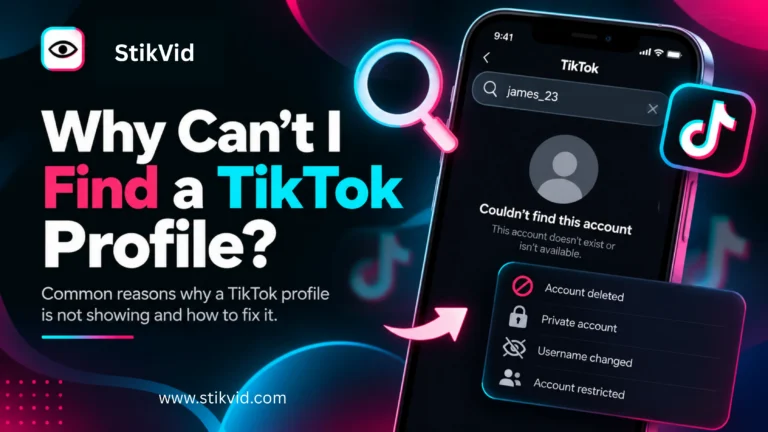
Why Can’t I Find a TikTok Profile?
Can’t find a TikTok profile that you could see before? A missing profile does not always mean that the account has been deleted. The username may have changed, the profile may be private, the account may no longer be available, or the link you are using may be outdated. In some cases, TikTok search or…
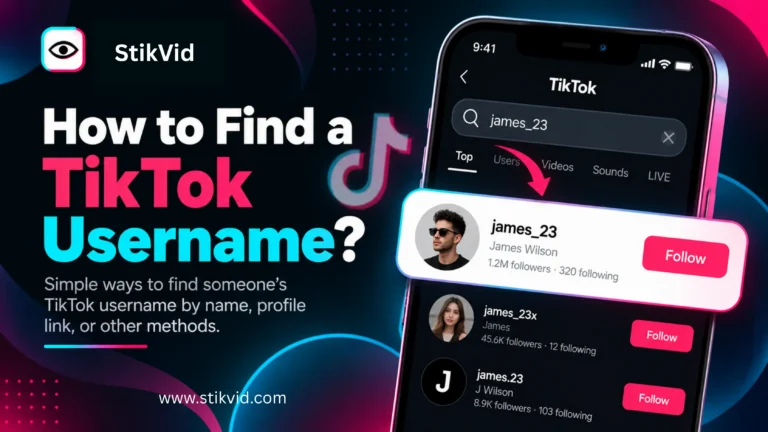
How to Find a TikTok Username?
Trying to find someone’s TikTok username but only know their name, nickname, or profile link? Finding the correct TikTok username is usually possible when you have some public information about the account. TikTok usernames are the unique handles associated with profiles and normally appear with an @ symbol. This guide explains how to find a…
Can Someone See If You View Their TikTok Profile?
Wondering whether someone can tell that you visited their TikTok profile? The answer depends on TikTok’s Profile view history setting and whether the relevant accounts have the feature enabled. TikTok provides a Profile view history feature that can show certain profile visits, so simply opening someone’s profile should not automatically be described as completely invisible….
Can You Download TikTok Stories Without a Watermark?
Can you download a TikTok Story without the TikTok logo or username overlay? In some cases, yes, depending on the media source available to the downloader. A third-party TikTok Story Downloader may be able to provide a clean version of publicly available Story media when the underlying file is available without an embedded watermark. However,…
How to Save TikTok Stories?
Want to keep a TikTok Story before it disappears? Saving a TikTok Story can mean several different things: keeping your own Story, downloading a publicly available Story, or saving content for personal reference. The best method depends on whether you created the Story, whether the content is still available, and what download options are provided….
How to Download TikTok Stories?
Want to save a TikTok Story before it disappears? TikTok Stories are temporary photos or videos that are available for 24 hours, so timing matters if you want to keep a copy. You may be able to save your own Story directly from TikTok, while public Stories may also be available through supported third-party viewing…
Frequently Asked Questions
These frequently asked questions explain how the TikTok Story Viewer works, how to search for public Stories, why some content may be unavailable, and what to understand about privacy and downloading.
A browser-based viewer can provide a way to access publicly available Story content without opening the Story through your personal TikTok account. This is different from claiming complete anonymity across the internet.
Enter the person’s public username or supported profile link into the viewer and search for available Story content. If a public Story is available, you can open it through the browser-based viewer.
A third-party public-content viewer can separate the viewing process from your normal TikTok account session. However, no third-party service should claim that this makes you completely anonymous across every system or network.
TikTok’s own Story features can provide creators with viewer information. Platform behavior can change, so always distinguish between directly viewing a Story through TikTok and accessing public content through an independent viewer.
Publicly available Story content may be accessible through a browser-based third-party viewer without signing into TikTok. Private or restricted content cannot be unlocked through the viewer.
Yes. TikTok Stories are temporary and are generally available for around 24 hours. Once a Story is no longer publicly available, it may not be retrievable.
No. ViewTikStory is intended for public content and does not bypass private-account or restricted-content protections.
If downloadable public Story media is supported and available, a download option may be provided. Download availability can vary depending on the retrieved content.
Platform behavior around screenshots can change, so users should not rely on assumptions about notifications or visibility. A third-party viewer does not override TikTok’s own policies or controls.
Questions about replay visibility depend on TikTok’s own Story functionality. A public-content viewer provides a separate way to access available content rather than changing TikTok’s account-level features.
No separate application is required for the browser-based viewer. You can access the service through a supported modern browser.
Yes. The viewer is designed for mobile and desktop browsers, allowing you to search for public Story content from a smartphone, tablet, or computer.
Yes. Enter the supported public username into the search field to check for currently available Story content.
If the profile-link input is supported by the current viewer, you can paste the public profile URL instead of manually entering the username.
The profile may have no active Story, the Story may have expired, the account may be private, the username may be incorrect, or the content may temporarily be unavailable.
No. They solve different problems. A Story viewer concerns how publicly available content is accessed, while a VPN changes how your internet connection is routed. Using a viewer does not automatically make your entire internet activity anonymous.
Downloading a file does not give you ownership of the original content. Before reposting or commercially using someone else’s media, make sure you have the necessary permission or rights.
TikTok Story Viewer: Quick Summary
StikVid’s TikTok Story Viewer provides a simple way to search for and view currently available public TikTok Stories from your browser. Enter a username or supported profile link, check whether Story content is available, and open supported media without unnecessary navigation. The tool is designed for public content and does not bypass private profiles or restricted access.
Whether you are checking a public Story, looking for a more private way to browse available content, or saving supported media before it disappears, the process stays simple: search the profile, find the available Story, and view it online.
Search a public TikTok username or profile link to get started.