How to Download TikTok Stories?
How to Download TikTok Stories?
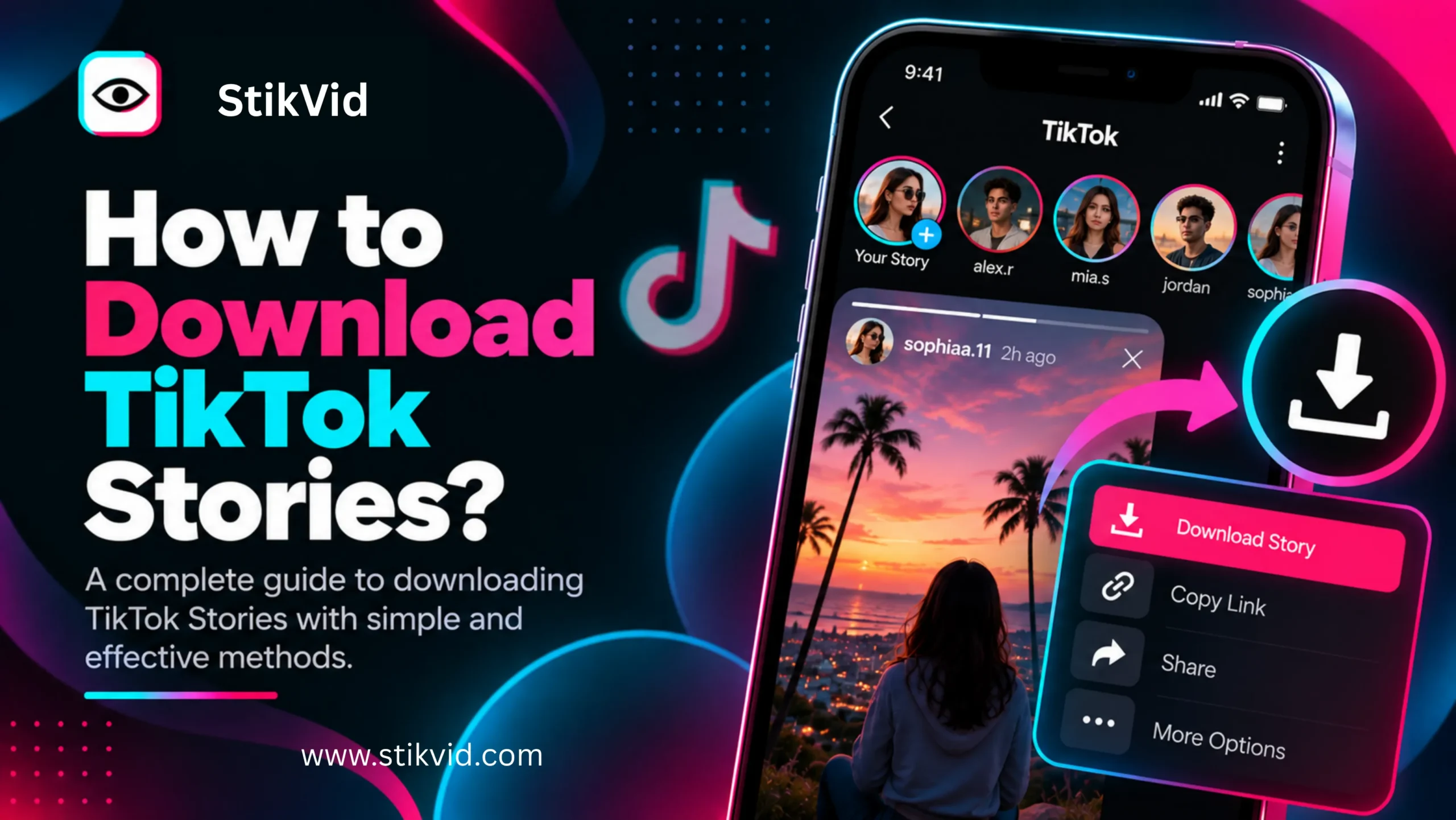
Want to save a TikTok Story before it disappears? TikTok Stories are temporary photos or videos that are available for 24 hours, so timing matters if you want to keep a copy. You may be able to save your own Story directly from TikTok, while public Stories may also be available through supported third-party viewing and downloading tools. This guide explains the practical ways to download TikTok Stories, what can prevent a download, and what you should know about privacy, watermarks, and copyright.
How to Download TikTok Stories?
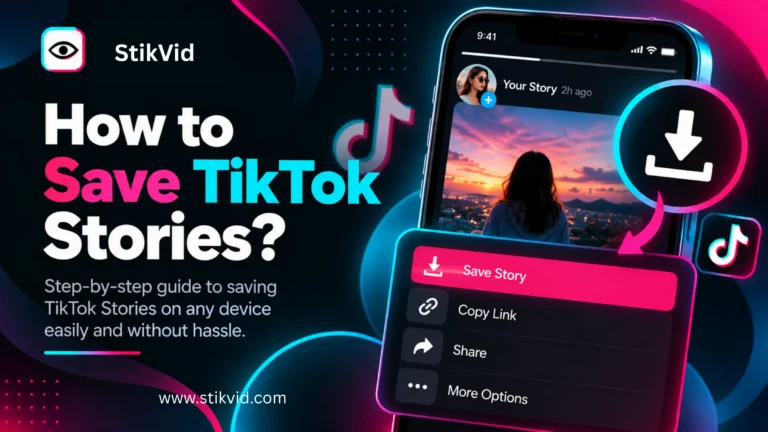
There are several ways to save a TikTok Story, depending on whether it is your own Story or someone else’s public Story.
For your own content, the simplest option is to save the original photo or video to your device before or while posting it. TikTok recommends keeping offline copies of your own content.
For a public Story from another account, availability depends on whether the Story can still be accessed and whether the downloading method you are using supports that content.
A typical workflow is:
- Find the TikTok Story you want to save.
- Make sure the Story is still available.
- Use TikTok’s available save option when one is provided.
- If you are using a supported Story downloader, enter the required public TikTok information.
- Select the available Story content.
- Choose the download option.
- Check your device’s downloads or photos folder.
TikTok Stories are temporary, so a Story that has already expired may no longer be available to download.
In short: Download a Story while it is still available, and use the saving method supported for that particular content.
How to Download Your Own TikTok Story?
Saving your own Story is usually the safest and most reliable option because you already own or control the original content.
If you created the photo or video yourself, keep a copy on your phone or computer before posting it. TikTok specifically recommends downloading your own videos or photos before posting so you have an offline copy.
This is useful if you want to:
- Keep a personal archive.
- Reuse your own video later.
- Edit the original content.
- Post it on another platform.
- Keep a copy after the Story expires.
If the original media is still on your device, saving that original file is generally better than downloading a copy from the published Story.
In short: For your own Stories, save the original media whenever possible instead of relying on a downloaded copy later.
How to Download Someone Else’s TikTok Story?
Downloading another person’s Story is different from saving your own content.
First, the Story needs to be publicly accessible to you. TikTok’s privacy settings determine who can access content, and private accounts restrict access to approved people.
If the Story is publicly available, a supported third-party Story downloader may be able to retrieve it. The exact process depends on the tool and the type of public content it supports.
A typical process may look like this:
- Open the public TikTok profile.
- Copy the username or supported profile information.
- Open the supported Story downloader.
- Enter the requested information.
- Search for available Stories.
- Select the Story you want to save.
- Download the available media.
Not every public Story will necessarily be available through a third-party service. Data availability, expiration, technical limitations, and changes to TikTok can affect the result.
In short: Public availability does not guarantee that every Story can be retrieved or downloaded by a third-party tool.
Can You Download TikTok Stories Without a TikTok Account?
Sometimes, yes, depending on the Story and the tool you are using.
A public TikTok Story may be accessible through a browser-based viewer or downloader that does not require you to sign in to TikTok. This can be useful when you simply want to access publicly available content without opening the TikTok app.
However, not having a TikTok account does not automatically provide access to private content.
TikTok distinguishes between public and private accounts. Public content can potentially be visible to people on or off TikTok depending on the creator’s settings, while private accounts restrict access.
In short: A downloader may work without a TikTok login for supported public content, but it should not be treated as a way to access private Stories.
Can You Download an Expired TikTok Story?
Usually, you should not expect an expired Story to remain available.
TikTok says Stories are available for 24 hours. Once that period ends, the Story is no longer normally available as an active Story for viewers.
A third-party downloader cannot reliably download content that it cannot access.
An expired Story may therefore fail because:
- The 24-hour Story period has ended.
- The creator deleted the Story.
- The content is no longer publicly accessible.
- The third-party service cannot retrieve it.
- TikTok has changed how the content is delivered.
If you want to save a Story, it is better to do so while it is still available.
In short: Download Stories before they expire rather than assuming an old Story can be recovered later.
Can You Download TikTok Stories From Private Accounts?
You should not use a downloader to bypass a private account’s access controls.
TikTok states that private-account owners approve who can follow them and watch their content. TikTok also restricts downloading of posts from private accounts.
If you are not authorized to view the content, a third-party tool should not be treated as a method for bypassing that restriction.
If you already have legitimate access to someone’s content, follow TikTok’s available sharing and saving options and respect the creator’s preferences.
In short: A TikTok Story downloader is for supported accessible content, not for bypassing private-account restrictions.
Can You Download TikTok Stories Without a Watermark?
That depends on the source file and the downloader.
Some download tools may provide a version without an added watermark, while others may return the content exactly as it is delivered by the platform or source.
You should not assume that every TikTok Story can be downloaded without a watermark or that the downloaded file will always match the original.
The result can depend on:
- The type of Story.
- The source media.
- The downloader being used.
- TikTok’s current content delivery.
- Whether the original file is available.
If you created the Story yourself, keeping the original video or photo is the best way to preserve the original quality and avoid depending on a downloaded copy.
For more information about this specific issue, see our guide on Can You Download TikTok Stories Without a Watermark?
In short: A watermark-free result is not guaranteed for every Story, so keep original files whenever possible.
How to Download TikTok Stories on iPhone?
On iPhone, downloaded Story media generally needs to be saved to your device’s available storage or Photos library.
For your own content, the easiest approach is to preserve the original video or photo before publishing it as a Story.
For supported public Stories, you can use a browser-based downloader if it provides a compatible download option.
A simple workflow is:
- Open the supported Story downloader in Safari.
- Enter the required public TikTok information.
- Find the available Story.
- Select the media.
- Tap the download option.
- Check your Downloads folder or Photos app.
The exact behavior can vary depending on the browser, iOS version, and downloader.
In short: On iPhone, use the browser or TikTok’s available saving options and check both Downloads and Photos if the file does not appear immediately.
How to Download TikTok Stories on Android?
Android users can similarly use TikTok’s available saving options or a supported browser-based downloader.
For your own content, keeping the original file on your phone is preferable.
For supported public Stories:
- Open the downloader in your mobile browser.
- Enter the required information.
- Search for available Stories.
- Select the Story.
- Tap Download.
- Check your Downloads or Gallery folder.
Android devices can use different file managers and gallery applications, so the downloaded file may not appear in exactly the same place on every phone.
In short: On Android, check your Downloads folder and Gallery after downloading a supported Story.
How to Download TikTok Stories on a PC?
Downloading a supported public Story on a computer can be convenient if you want to store or organize the media locally.
The general process is:
- Open a supported Story downloader in your browser.
- Enter the required TikTok information.
- Search for available public Stories.
- Select the Story.
- Choose Download.
- Select a location on your computer if prompted.
Your browser will normally save the file to its default Downloads folder unless you have configured a different location.
For your own content, keeping the original media on your computer is still preferable to downloading a copy from the published Story.
In short: A PC can make it easier to organize downloaded Story files, but the Story must first be available to the downloader.
Why Can’t I Download a TikTok Story?
A Story may fail to download for several reasons.
The Story Has Expired
TikTok Stories are available for 24 hours. If the Story has expired, there may no longer be an active Story to retrieve.
The Account Is Private
Private-account content may not be accessible to a downloader. Privacy controls should not be bypassed.
The Story Was Deleted
The creator may have removed the Story before the 24-hour period ended.
The Content Is Not Supported
A downloader may support certain types of public TikTok content but not every Story or media format.
The Service Is Temporarily Unavailable
Third-party services can experience technical problems, API changes, or temporary interruptions.
TikTok Changed Its Systems
Third-party tools depend on the availability and structure of publicly accessible data. Changes on TikTok can cause a previously working download method to stop working.
In short: A failed download does not necessarily mean your device is broken. The Story may be expired, private, deleted, unsupported, or temporarily unavailable.
Can You Download TikTok Stories From a Profile?
If the Story is publicly available and the downloader supports profile-based Story retrieval, you may be able to find it through the creator’s profile information.
The important distinction is between a profile and an active Story.
A profile may still exist even when its latest Story has expired. TikTok says Stories are temporary and available for 24 hours, so finding a profile does not mean that an old Story is still downloadable.
In short: A profile can help you find currently available Stories, but it does not guarantee access to expired Stories.
Does Downloading a TikTok Story Save the Original Quality?
Not necessarily.
A downloaded file can differ from the original media because it may have been processed, compressed, resized, or delivered in a different format.
If quality matters, the best option is to keep the original photo or video before uploading it.
This is especially important for creators who want to reuse their own content later.
In short: A downloaded Story is not automatically the original source file or original quality.
Is It Legal to Download Someone Else’s TikTok Story?
Downloading a publicly accessible Story and having the right to keep a personal copy are not necessarily the same thing as having permission to republish or commercially use it.
TikTok’s Intellectual Property Policy explains that copyright can protect original works such as videos and music. Using another person’s copyrighted content without appropriate authorization or a valid legal basis may violate copyright rules.
Before reposting or modifying someone else’s Story, consider:
- Who created the content?
- Do you have permission to reuse it?
- Is the content copyrighted?
- Are there music or other third-party rights involved?
- Are you using it for a purpose permitted by applicable law?
Copyright exceptions vary by country and situation, so downloading a file does not automatically give you ownership of it.
In short: Saving a file and having the right to republish it are different issues.
Can You Repost a Downloaded TikTok Story?
You should not assume that a downloaded Story is free to repost.
If the Story belongs to another creator, you may need permission to republish it. Giving credit can be helpful, but credit alone does not necessarily give you copyright permission.
TikTok’s Terms of Service and Intellectual Property Policy place responsibility on users to respect intellectual property rights.
If you want to repost someone else’s content, obtain appropriate permission or make sure your use is covered by an applicable legal exception.
In short: Downloading content does not automatically give you permission to repost it.
Is a TikTok Story Downloader Anonymous?
A browser-based downloader may allow you to access supported public content without signing into TikTok, but that should not be described as guaranteed complete anonymity.
Third-party websites can have their own server logs, analytics, cookies, or other technical systems.
You should therefore avoid assuming that using a downloader means that no information is processed.
StikVid is designed around accessible public content, but no third-party website should promise absolute anonymity without explaining exactly what data it collects and how it operates.
In short: No TikTok login does not automatically mean complete anonymity.
Can StikVid Download TikTok Stories?
StikVid is designed to provide access to supported public TikTok content through a simple browser-based experience.
If a Story is currently available and supported by the tool, you can use the Story Downloader to check whether downloadable content is available.
Results can vary because TikTok Stories are temporary and third-party services depend on publicly accessible content and technical availability.
If a Story does not appear, that does not necessarily mean the TikTok account has no Story. It may have expired, been deleted, been restricted, or simply not be available through the current service.
In short: StikVid can only work with public content that is currently accessible and supported by the service.
Tips for Saving TikTok Stories Safely
A few simple practices can make downloading safer and more responsible:
- Use the official TikTok app when its own saving option is available.
- Save your own original media before publishing.
- Avoid tools that ask for your TikTok password.
- Do not attempt to bypass private-account restrictions.
- Check downloaded files before opening or sharing them.
- Be careful with websites that aggressively request notifications or unrelated permissions.
- Respect the creator’s copyright and privacy.
- Do not assume downloaded content is automatically free to reuse.
TikTok itself provides native download controls for supported posts, and creators can control whether others are allowed to download their content.
In short: Use the simplest legitimate method available and avoid giving third-party tools access to your TikTok credentials.
TikTok Story Downloading vs. Saving the Original
These two approaches are easy to confuse.
Saving the original means keeping the photo or video file before or during publication. This generally gives you the best control over quality and future use.
Downloading a Story means retrieving a copy of content that has already been published as a Story.
For your own content, saving the original is usually the better long-term strategy.
For someone else’s public Story, downloading may provide a temporary copy, but it does not transfer ownership or automatically give you permission to reuse the content.
Frequently Asked Questions
Can I download a TikTok Story?
You may be able to download a Story when it is publicly accessible and supported by the saving method or downloader you are using.
How long are TikTok Stories available?
TikTok says Stories are available for 24 hours.
Can I download a TikTok Story after 24 hours?
Usually not. Once a Story expires, it may no longer be available for retrieval.
Can I download my own TikTok Story?
Yes. Keeping the original photo or video on your device before publishing is the most reliable approach.
Can I download someone else’s TikTok Story?
A publicly available Story may be downloadable through a supported method, but availability varies. You should also respect copyright and the creator’s rights.
Can I download a Story from a private TikTok account?
You should not use a downloader to bypass private-account restrictions.
Can I download TikTok Stories without a watermark?
It depends on the source and downloading method. A watermark-free result is not guaranteed.
Can I download TikTok Stories without logging in?
Some browser-based tools may support public content without requiring a TikTok login. This does not provide access to private content.
Why did my TikTok Story download fail?
The Story may have expired, been deleted, be private, be unsupported, or be temporarily unavailable through the downloader.
Does downloading a TikTok Story give me copyright ownership?
No. Downloading a copy does not transfer copyright ownership.
Can I repost a downloaded TikTok Story?
Not automatically. You should have permission or another valid legal basis for reuse.
Is downloading a TikTok Story completely anonymous?
You should not assume complete anonymity. Third-party services may process technical information according to their own privacy practices.
TikTok Story Downloading: Quick Summary
TikTok Stories are temporary and normally remain available for 24 hours.
For your own Stories, saving the original media before publishing is the most reliable option. For publicly available Stories from other accounts, a supported downloader may be able to retrieve the content while it is still available.
Private accounts, expired Stories, deleted content, technical limitations, and unsupported content can prevent downloading. A downloaded copy also does not automatically give you copyright ownership or permission to repost the content.
The key points:
- Save Stories before they expire.
- Keep original files for your own content.
- Use supported public content only.
- Never bypass private-account restrictions.
- Do not assume watermark-free or original-quality downloads.
- Do not assume downloaded content is free to repost.
- Never give a third-party downloader your TikTok password.
- Respect copyright and creator rights.